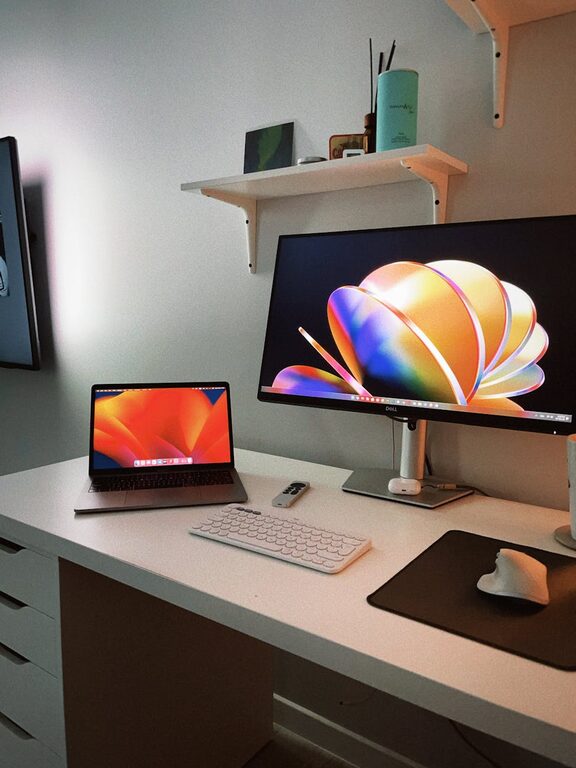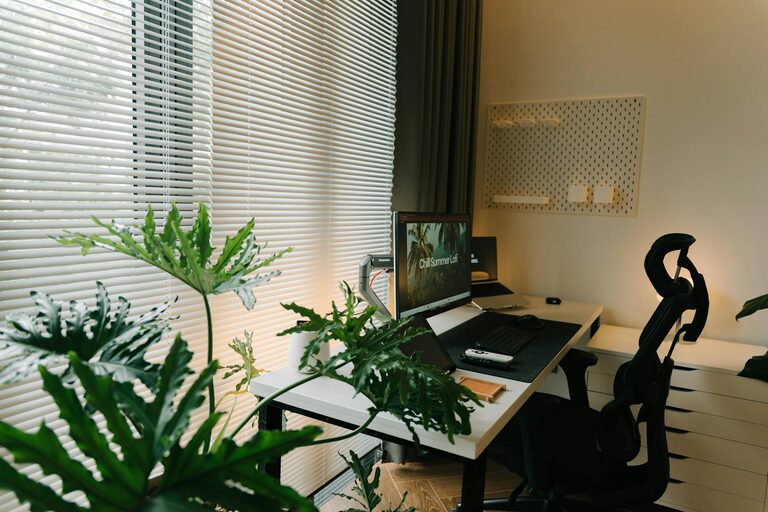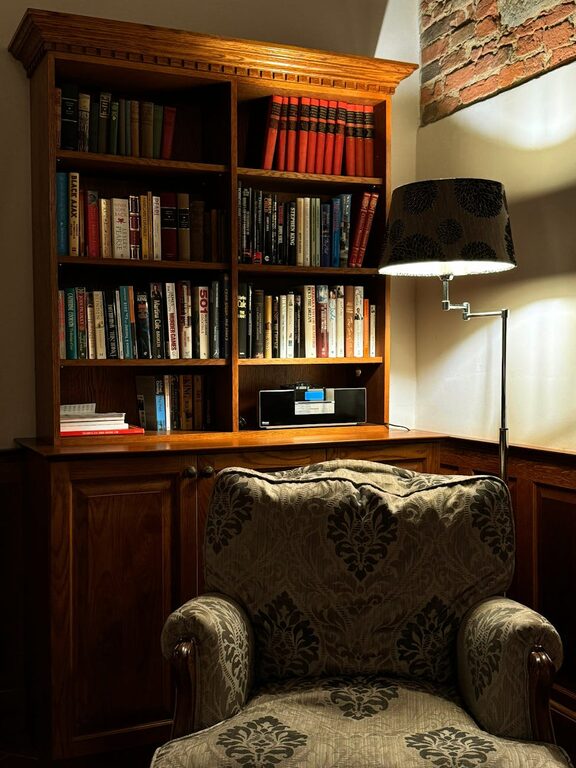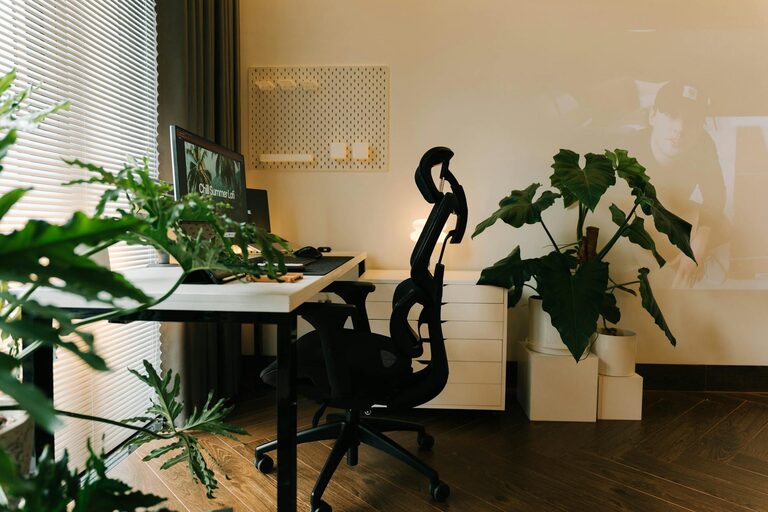
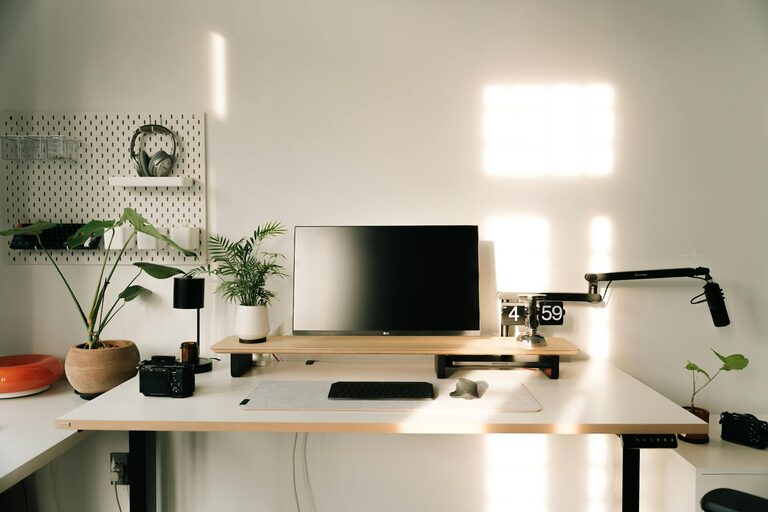
Creating a home workspace that balances relaxation and productivity is essential for many people working remotely. A well-designed workspace can help you stay focused, reduce stress, and improve your overall work experience. Whether you are setting up a new home office or optimizing an existing space, these tips will guide you in creating an environment that supports your work and wellbeing.
Choose the Right Location
The first step in creating a productive home workspace is picking the right spot. Ideally, choose a quiet area with minimal distractions. If possible, select a room or corner with natural light, which can boost mood and energy. Avoid high-traffic areas like the kitchen or living room, where interruptions are more likely.
Consider Privacy and Noise Levels
If you live with others, consider how to maintain privacy. Noise-canceling headphones or a portable screen can help minimize distractions. Experiment with different locations until you find the one that helps you focus best.
Invest in Comfortable and Functional Furniture
Your workspace should be comfortable enough for long periods and functional for your work needs. A quality ergonomic chair and desk can prevent discomfort and promote good posture.
Key Furniture Features to Look For
– Adjustable chair height and lumbar support
– Desk height that allows your arms to rest comfortably while typing
– Sufficient surface space for your computer, notebooks, and other tools
If space is limited, consider foldable desks or wall-mounted shelves to maximize the area.
Optimize Lighting
Good lighting is crucial for both productivity and relaxation. Poor lighting can cause eye strain and fatigue, while the right setup helps maintain alertness and mood.
Use Natural and Artificial Light Thoughtfully
– Position your desk near a window to take advantage of natural light.
– Use a desk lamp with adjustable brightness and color temperature. Warmer light can promote relaxation during breaks, while cooler light helps with focus.
– Avoid glare on your computer screen by adjusting blinds or repositioning lights.
Personalize Your Workspace
Adding personal touches can make your workspace feel inviting and reduce stress. This might include photos, plants, artwork, or decorative items that bring you joy without creating clutter.
Benefits of Plants
Plants not only brighten up the room but also improve air quality and have calming effects. Choose low-maintenance indoor plants that thrive in your space’s lighting.
Declutter and Organize
A tidy workspace helps reduce distractions and increase efficiency. Regularly declutter and organize your materials to keep your environment calm and functional.
Tips for Staying Organized
– Use drawers, shelves, or storage boxes to keep supplies out of sight.
– Implement a filing system for important documents.
– Keep only essentials on your desk to avoid feeling overwhelmed.
Establish Clear Boundaries
Working from home can blur the line between professional and personal life. Setting clear boundaries helps maintain balance and reduces stress.
Strategies for Boundary Setting
– Define your working hours and communicate them to household members.
– Use a separate area for work, if possible, and avoid mixing work with leisure spaces.
– Take regular breaks away from your desk to rest both your mind and body.
Incorporate Relaxation Elements
While productivity is the goal, it’s important to include elements that help you unwind during the day. A comfortable chair, cozy blanket, or calming scent can make breaks more restorative.
Relaxation Ideas
– Keep a small area for stretching or short meditation sessions.
– Play soft background music or nature sounds that help you relax without distraction.
– Use essential oils or candles with soothing fragrances like lavender or eucalyptus.
Use Technology Wisely
Technology can boost productivity but can also become a source of distraction.
Tips for Managing Technology
– Keep your computer and essential devices organized and up-to-date.
– Use apps or browser extensions to block distracting websites during work hours.
– Set notifications to “Do Not Disturb” mode when focus is needed.
Maintain Good Air Quality and Temperature
A comfortable environment means more than just lighting and furniture. Proper air circulation and a comfortable temperature also play a significant role in productivity and wellbeing.
How to Improve Your Workspace Climate
– Open a window when weather permits to allow fresh air in.
– Use a fan or space heater to adjust the temperature as needed.
– Consider an air purifier if your area is prone to dust or allergens.
Final Thoughts
Designing a home workspace that promotes both relaxation and productivity takes a bit of planning, but the benefits are well worth it. By paying attention to location, furniture, lighting, personalization, organization, and more, you can create a space that supports your best work while keeping stress low. Remember to listen to your needs and adjust your setup over time to find what works best for you. With the right environment, working from home can be both comfortable and efficient.
About the Author